Want beautiful Merch stores? Use HTML!

You can add HTML styling to Printavo Merch store descriptions.
Add links, styled text for emphasis (like bold, italics, underline) and other visually appealing formatting to customize your Merch stores.
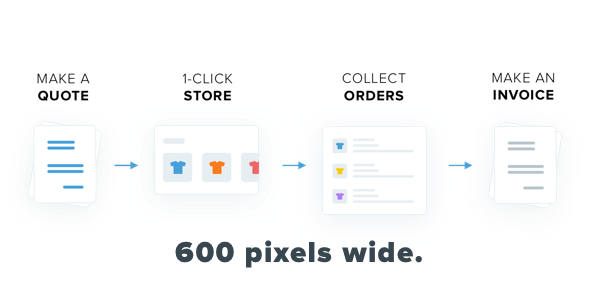
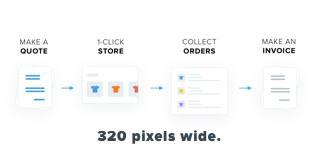
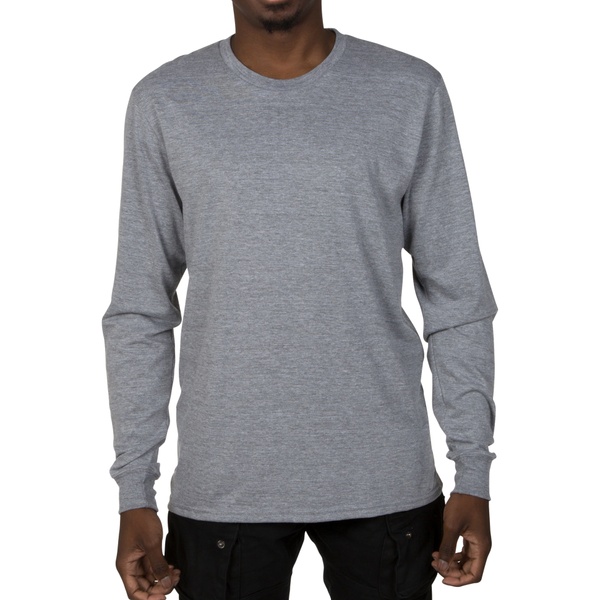
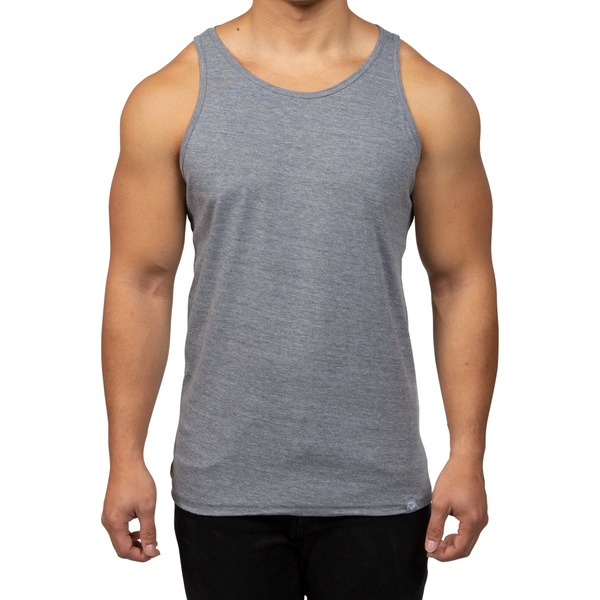
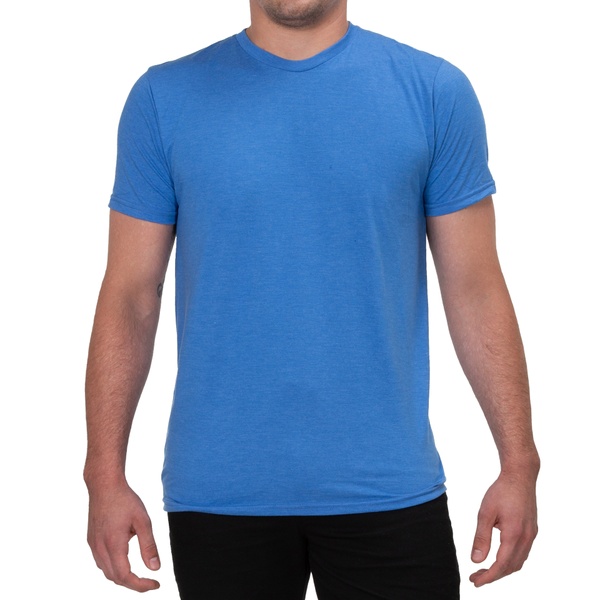
You can even add images (like the ones above) if you're so inclined! Use images that are less than 600 pixels wide for desktop viewing and less than 320 pixels for mobile viewing.
To try formatting your Merch store descriptions, simply head your Merch store's "Store Information" page and modify your description. Please test carefully before deploying to customers!
Note: We suggest experimenting with header tags and simple text formatting first. Here's what they look like:
H1, largest header
Great for a title or very important info.
H2 text for emphasis
Great for emphasis.
H3 text for emphasis
Also great for emphasis.
This is H4 text.
Smaller but also useful.
This is H5 text.
Another option.
This is H6 text.
Super sharp for details and other small notes.